Protecting your application
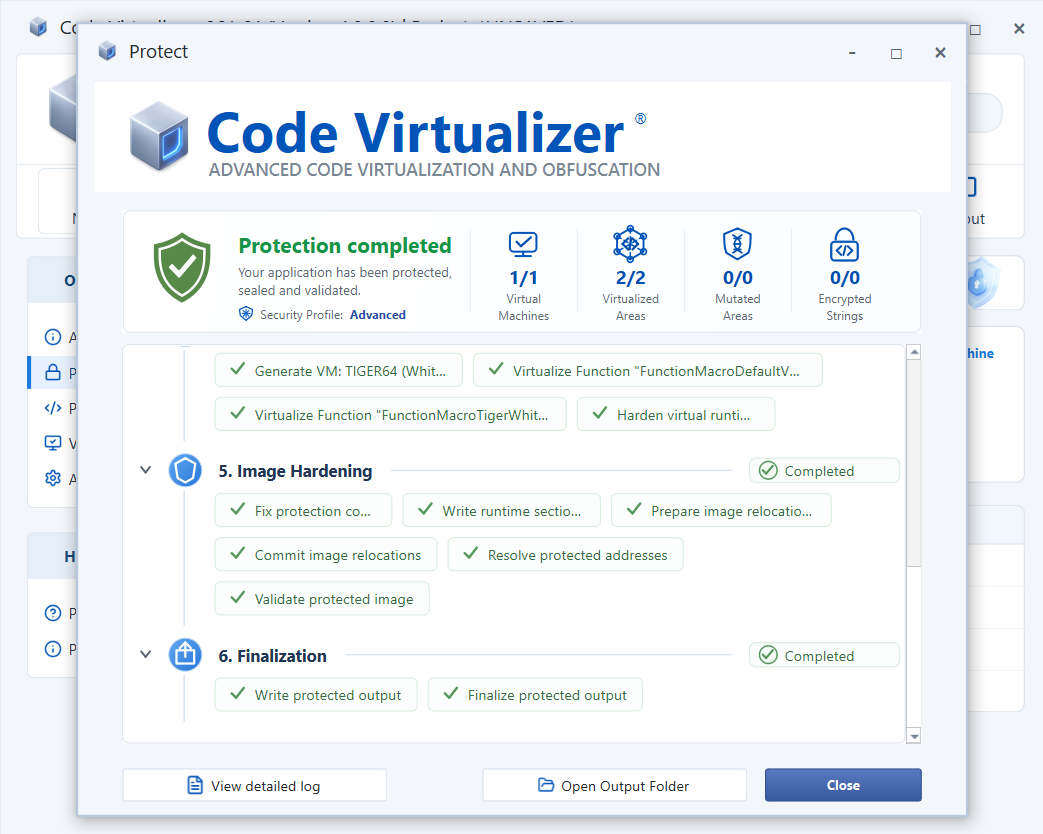
After configuring the protection options, select Protect on the toolbar. Code Virtualizer generates the selected Virtual Machines and virtualizes the marked code.
The Protect window displays the processing stages and their status. When protection finishes, the summary shows the number of Virtual Machines, virtualized areas, mutated areas, and encrypted strings in the protected application.
Select View detailed log to inspect the complete build log, Open Output Folder to open the protected application's location, or Close to return to the main window.